
How to Check SIM Information with Code 668?
PTA introduces a new method for people who are unfamiliar with online SIM information or those without an internet connection, allowing them to check through this code: 668.
The process is simple and accessible from every PTA-registered Device. As they can use the SIM in their mobile, they can send messages; otherwise, they are not able to receive and send messages.
Non-PTA Phones:
These are the phones which PTA blocks after some time, as they are not registered in Pakistan. There is a certain amount of tax which you have to pay to access any telecom SIM in your mobile. Otherwise, you would not be able to access any SIM or any SIM owner information from 668.
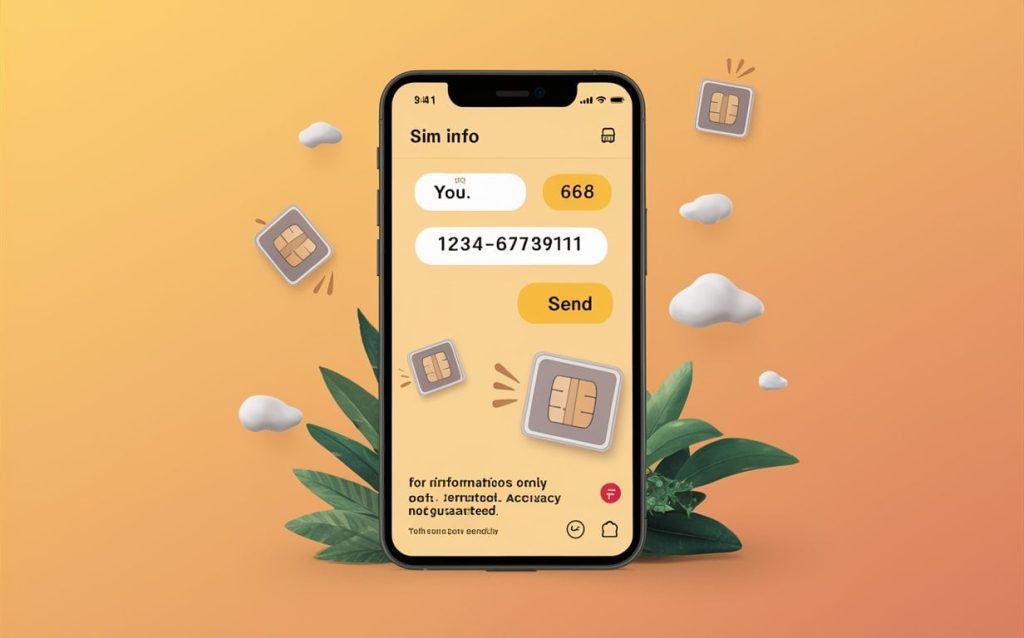
Methods to check SIM owner details by 668
Let’s start with how you can access your SIM information with the 668 code. As this method is message-based, every message from the SIM needs some balance. To proceed with this method, you need to have at least 5 rupees of balance in your SIM.
Process:
- Open your Mobile Message section.
- Create a new message.
- Here it asks where to send write 668.
- Then write the CNIC number in the blank space.
- Click on the option and send the message.
- If you add all things accurately, a follow-up message will come in a few minutes.
- Open the message, and you will find the number of SIMs registered under your CNIC and their telecom names.
The process is the same for both Android and IOS devices, but a little different in keypad mobiles, as their settings and message techniques are different.
Sim owner details with 668:
The 668 code is only to provide you with the registered SIMs information, not the owner’s details, like their address and the owner’s name. This code requires the ID card number.
Without an ID card, you would not get the information you are looking for.
Check Zong SIM details with the 668 code.
Yes, with the 668 code, you can check how many SIMs you own. If any Zong SIM is registered on your CNIC, then it will provide you with the information by adding it to 1 or 2. If it shows more, for which you don’t know who is using it, you can check the details through the SIM owner’s details websites, which will provide you with the data. If it belongs to you, then ignore; otherwise, block it.
Check Ufone SIM owner details with the 668 code.
With 668 code, you can check the Ufone SIM information details. If you are a Ufone user and don’t find the SIM details from other sources, you can check your details from 668. If you still don’t get the details, you can also check from the official website and the third-party website of the SIM owner for details and get the information about how many Ufone SIMs you own.
Check JAZZ SIM owner details with the 668 code.
The 668 code is also applicable to jazz sims, as it is the official PTA number, which is provided on all registered telecom numbers. Jazz is one of the registered companies and serves many users across Pakistan. You can also visit the official website of PTA and the PTA-linked third-party app to verify your details for free.
Check Telenor SIM owner details with the 668 code.
Telenor is one of the most famous telecom companies and is registered under PTA. The user of Telenore can also access the SIM information from the 668 code. The code 668 will charge you, so you can check for free from the official PTA website and related websites for the SIM owner’s details.
Check the ONIC SIM owner details with the 668 code.
The newly launched company have made multiple users in Pakistan with its marketing strategy, and many people want to own a SIM. You can check the number details from the 668 code, and if it doesn’t support your ONIC SIM, then you can check from the PTA website and the PTA authorises website.
Does the 668 code allow checking with a mobile number?
No, the 668 code does not apply to mobile numbers; it provides results only on the CNIC number, not on mobile or phone numbers. As this code provides you with the SIM information, not the SIM owner details so that’s why you must have a CNIC .